This article is part of a content collaboration with Algoshop. It describes the app from its Shopify App Store listing and its own documentation, checked on October 9, 2026.
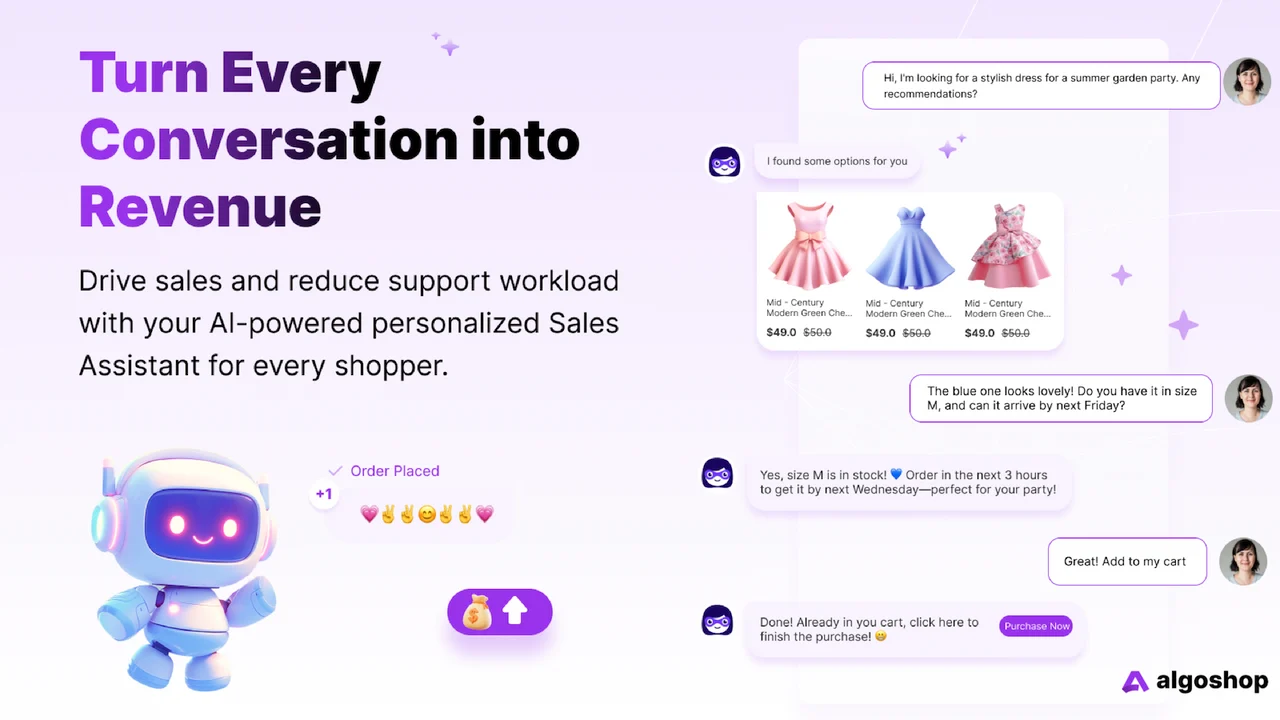
Algoshop AI Chatbot & Live Chat is a Shopify app that talks to your shoppers for you. It answers questions about your products and orders, shows offers to shoppers based on what they are doing on the page, and hands the conversation to your team when a person is needed. This article explains what it does, what each plan costs and how to set it up.
What Algoshop is
Algoshop is a Shopify app made by algoshop.ai. It was launched on the Shopify App Store on January 20, 2026, has the Built for Shopify badge, and had a rating of 4.9 out of 5 from 95 reviews when we checked. It is also available for WordPress and WooCommerce sites through a script you add to the page.
Algoshop is built to help sell, not only to answer support questions: it recommends products, shows discount and cart cards, and reports which conversations led to a purchase. You can see it in action on the Algoshop website.
What it does
Answers questions from your store’s own data
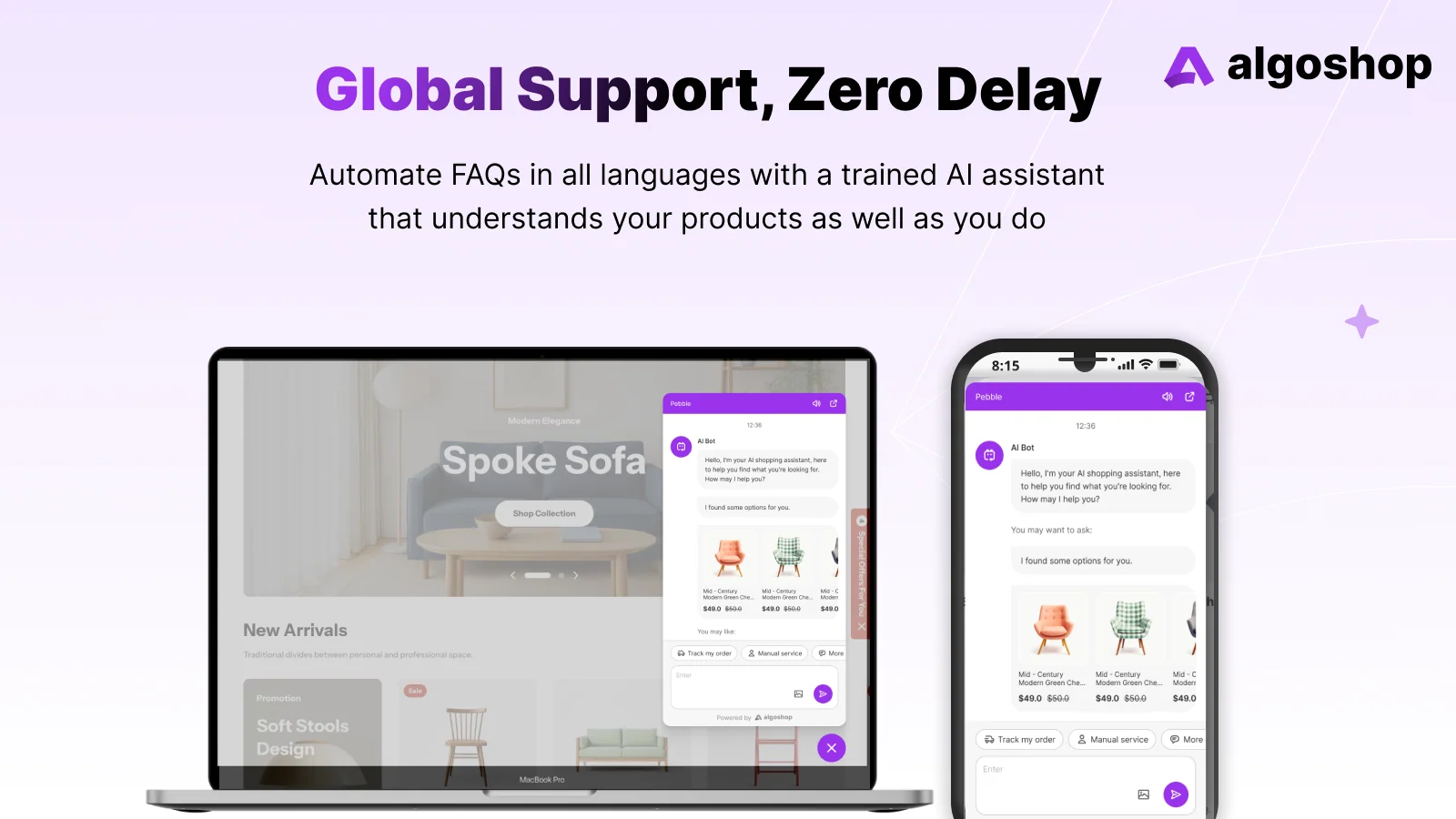
After you install it, Algoshop syncs your products, collections, prices, stock, order status and store policies. You can add your own help articles and FAQ answers. The AI uses this to answer questions such as “Do you have this in blue?”, “Will this fit a 13-inch laptop?” or “What is your return policy?”, and it keeps working outside office hours.
Order tracking in the chat
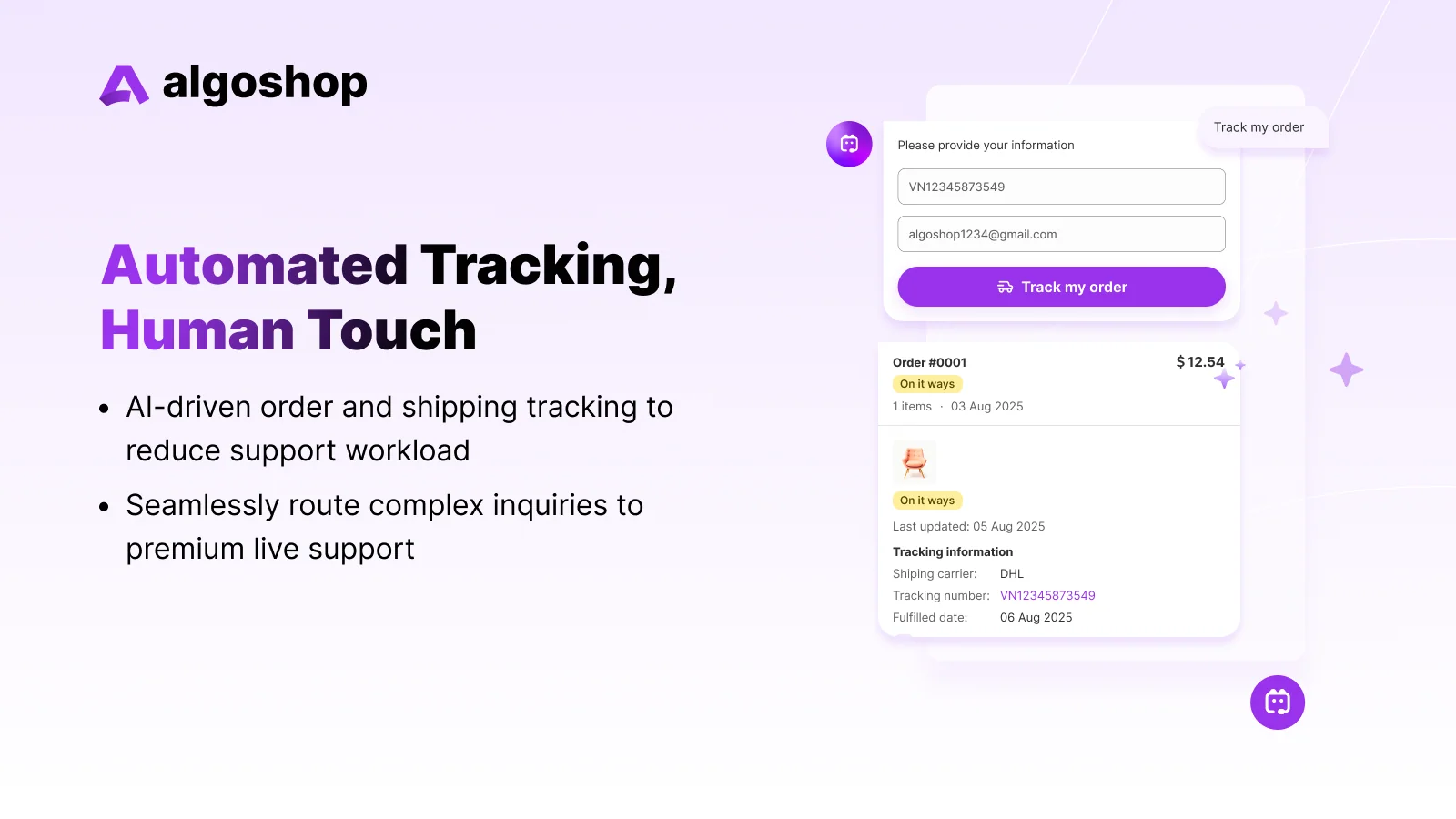
Shoppers can look up an order by its number or their email address without logging in. This takes “where is my order?” questions off your inbox, which on most stores is the most common question of all. Order and shipping tracking is included from the Starter plan up.
Outreach cards
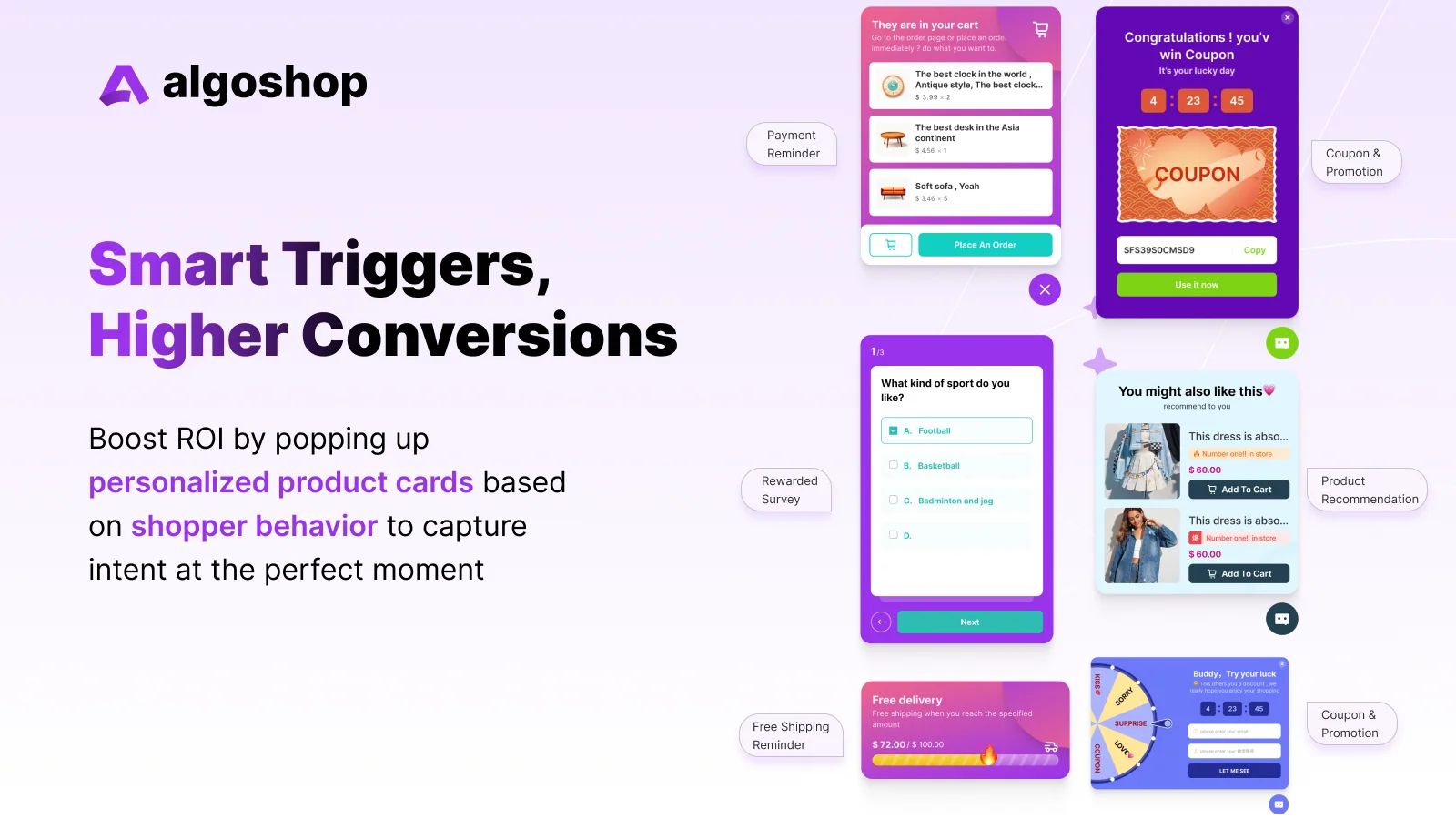
Cards are small pop-ups inside the chat that appear when a rule you set is met. There are six kinds:
| Card | What it is for |
|---|---|
| Product recommendation | Suggests products on product and collection pages to raise the order value. |
| Scratch card | A small game that reveals a reward, usually in exchange for an email address. |
| Spin-to-win / grid draw | A prize wheel or grid with prizes, odds and redemption limits you set. |
| Cart reminder | Reminds a shopper about their cart, optionally with a time-limited offer. |
| Countdown timer | Shows the time left on a sale or offer. |
| Survey | Asks shoppers a few questions and collects their answers. |
You choose when a card shows: on certain page types, after a visitor has spent a set time on the page, above a cart value, when they move to leave the page (exit intent), after they scroll a certain depth, or only to new or returning visitors.
Live chat with your team
When a question needs a person, the conversation is handed to your team with the full history. There are roles (admin, manager, agent), round-robin or skill-based routing, saved replies, internal notes and tags. Outside your office hours the AI keeps answering and tells the shopper when someone will reply.
WhatsApp, Messenger and Instagram
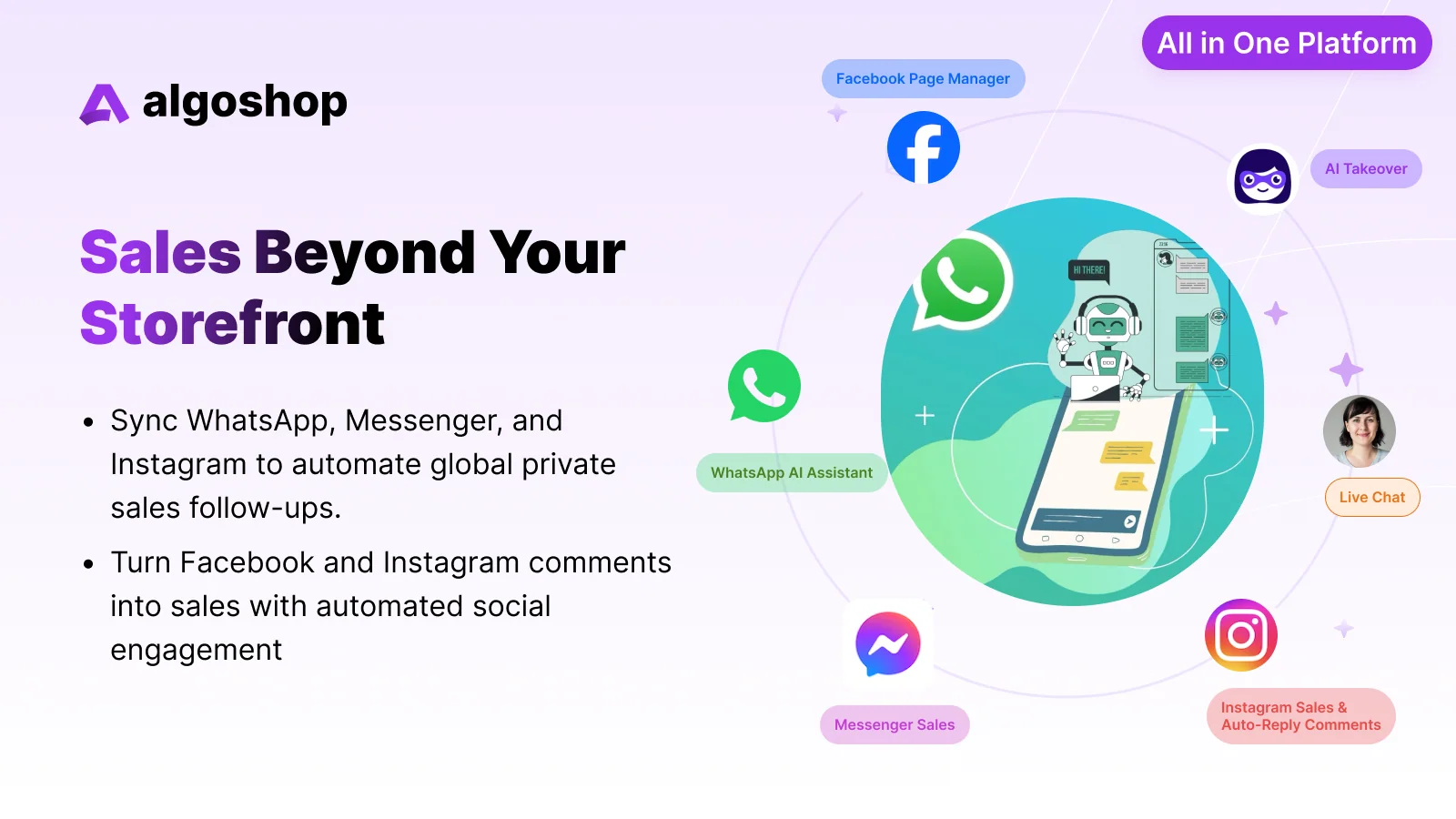
You can connect a WhatsApp Business account, a Facebook page and an Instagram business account. Messages from all of them arrive in one inbox next to website chats, and the AI can answer them the same way. It can also reply automatically to comments on your Facebook and Instagram posts.
Languages and reports
The listing names 23 languages, and the chat detects the shopper’s browser language. Reports show the number of conversations, how many the AI handled without a person, response times, customer satisfaction, and which chats and cards led to clicks, add-to-carts and purchases. Reports can be exported as CSV or PDF.
Pricing
Full plan details are on the Algoshop Shopify App Store page.
These are the plans on the Shopify App Store listing on October 9, 2026. Each paid plan has a 7-day free trial, and yearly billing costs about 17% less.
| Plan | Price | AI / live chat messages a month | Products synced | Card views a month | Also includes |
|---|---|---|---|---|---|
| Free | $0 | 100 / 100 | 100 | 100 | Logo and avatar, reports |
| Starter | $39.90/month ($399/year) | 1,000 / 1,000 | 1,000 | 5,000 | Order and shipping tracking in chat, 1 GB knowledge base |
| Essential | $79.90/month ($799/year) | 3,000 / 3,000 | 3,000 | 50,000 | WhatsApp, Messenger and Instagram, 5 GB knowledge base |
| Ultimate | $199.90/month ($1,999/year) | 10,000 / 10,000 | Unlimited | 500,000 | Removes the “Powered by” tag, 10 GB knowledge base |
Check the limits against your traffic before you choose. Messages and card views are counted per month, and every plan below Ultimate limits how many products are synced, so on a large catalogue the bot would not know every product.
How to set it up
- Install Algoshop from the Shopify App Store. Your products, collections, prices, stock and policies are synced automatically.
- Add anything the AI should know that is not in your product pages: shipping times, size guides, care instructions, answers to questions you get every week.
- Set up the chat window: colour, position, avatar, bot name, tone (for example friendly or professional) and the greeting.
- Set your team’s office hours and add your agents.
- Create one or two cards to start with, for example a product recommendation on product pages and a cart reminder on exit intent.
- Before you go live, ask the bot the ten questions your customers ask most often and check every answer against your real policies.
Before you install: things to check
- Message limits. Estimate how many chats you get per month and pick a plan that covers them.
- Product limits. Check your catalogue fits the plan: 100, 1,000 or 3,000 products below Ultimate.
- Features by plan. Order tracking in chat starts on Starter; WhatsApp, Messenger and Instagram start on Essential.
- Answers. Test the bot on your returns, shipping and warranty questions before switching it on for everyone.
- Discounts. Decide which codes the cards may give out, and set redemption limits on games.
- Email addresses. If cards collect email addresses, say clearly what people are signing up for.
- Who answers. Set office hours and make sure someone sees handed-over chats the same day.
Who it suits
Algoshop suits Shopify stores that get repeated product and order questions, want to sell more to visitors who are already on the site, or handle customer messages across the website, WhatsApp and Instagram. The free plan is enough to try it on a small store and see how shoppers use it; the paid plans add order tracking, more messages and the social channels.
Try it on your store: install Algoshop from the Shopify App Store (free plan available), or read more on the Algoshop website.
Frequently asked questions
Is Algoshop free?
There is a free plan with 100 AI messages, 100 live chat messages and 100 card views a month, for up to 100 products. Paid plans start at $39.90 a month with a 7-day free trial (prices on the Shopify App Store on October 9, 2026).
Does Algoshop work with WhatsApp and Instagram?
Yes. WhatsApp, Facebook Messenger and Instagram conversations come into the same inbox as website chats. On the Shopify App Store listing these channels are part of the Essential plan and above.
Does Algoshop track orders in the chat?
Yes. Shoppers can look up an order by its number or email address without logging in. Order and shipping tracking is included from the Starter plan.
Does Algoshop work outside Shopify?
Yes. Besides the Shopify app, it can be added to WordPress and WooCommerce sites, and to other sites with a script.