
When you choose a transactional email service for a small SaaS, look for one that gives you both a REST API and SMTP, lets you send from your own domain with DKIM, shows you an email log so you can debug missing messages, reports bounces and delivery events through webhooks, and offers a free tier while you grow. The easiest way to send a password reset is a single API call from your app, or SMTP settings if your framework already supports them. SecureSMTP covers all of this, including 5,000 free emails a month (up to 200 a day).
What a small SaaS actually needs from transactional email
Transactional email is the mail your product sends because someone did something: a password reset, a receipt, an order confirmation. People wait for these messages, so when one goes missing, they notice quickly and contact you.
A small team doesn’t need a huge feature list. It needs a service that is simple to connect, easy to debug and honest about what happened to each message. Use the checklist below to compare options.
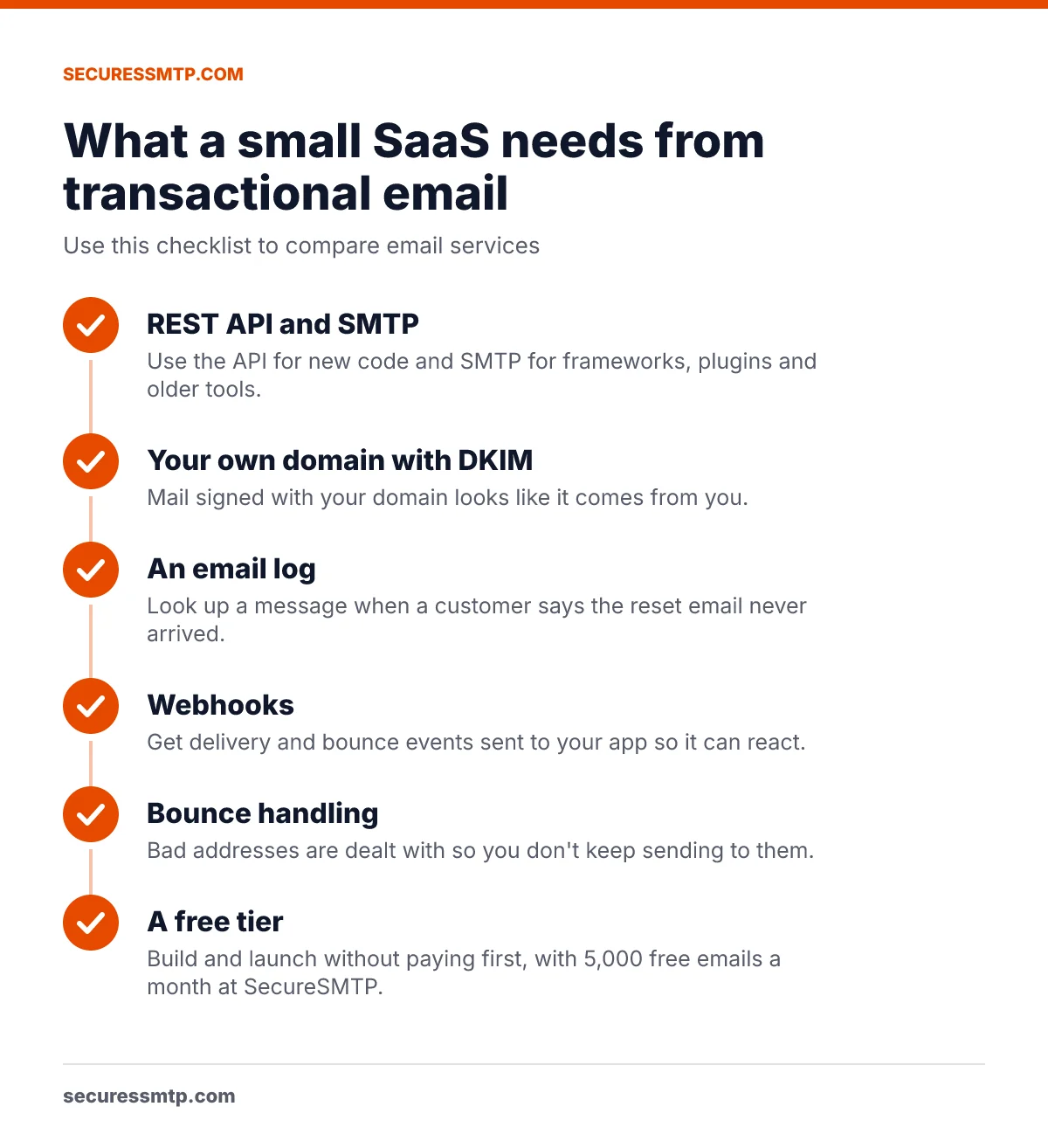
The checklist
- REST API and SMTP. Use the API for new code and SMTP for frameworks, plugins and older tools.
- Your own domain with DKIM. Mail signed with your domain looks like it comes from you.
- An email log. You need to look up a message when a customer says the reset email never arrived.
- Webhooks. Get delivery and bounce events sent to your app so it can react.
- Bounce handling. Bad addresses should be dealt with so you don’t keep sending to them.
- A free tier. You should be able to build and launch without paying first.
REST API and SMTP: why you want both
A REST API is the cleaner choice for code you write today. You send a request, get a response and handle errors in a way that fits your app.
SMTP is still useful. Many frameworks, CMS plugins, ecommerce tools and internal scripts only need a host, a port and credentials. A service that supports both means you won’t have to rebuild anything to connect those tools.
Your own domain with DKIM
Sending from your own domain, signed with DKIM, ties your mail to your brand and helps mailbox providers check that it’s genuine. It takes a little DNS setup, but it’s worth doing before you launch. If you want the background, read our guide to SPF, DKIM and DMARC.
An email log for "I never got the reset email"
This is the support message every SaaS gets. Without a log, you’re guessing. With one, you can search for the recipient and see what happened to the message, then give the customer a real answer rather than "check your spam folder."
Webhooks and bounce handling
Webhooks let your app learn about delivery events and bounces as they happen. You might flag an address as invalid, ask the user to update it, or alert your team. Bounce handling on the service side keeps your sending tidy so one mistyped address doesn’t turn into repeated failures.
A free tier that lets you start properly
A free tier is most useful when it’s large enough to run a real test and an early launch. Check the monthly limit, any daily cap and what happens when you reach them. If you’re comparing free options, our article Free SMTP Server: Which SMTP Relay Services Have a Free Plan? explains what to look for.
The easiest way to send a password reset email
You have two simple routes, and the right one depends on your stack.
Option 1: one API call
When your app receives a reset request, it generates a secure, expiring token, builds a link, then makes one HTTPS request to your email provider with the recipient, subject and body. A generic example looks like this:
POST /send with a JSON body containing from, to, subject and html, plus an authorisation header.
This is illustrative only. Use the field names and endpoint from your provider’s documentation.
Option 2: SMTP settings
If your framework already has a mail setting, enter the SMTP host, port, username and password from your provider. Your existing password reset feature will then send through the service with no code changes.
What to test before you go live
- Send a reset to Gmail, Outlook and any other providers your users rely on.
- Check that the message shows your own domain and passes DKIM.
- Confirm the link works once and expires as it should.
- Send to an invalid address and check that the bounce appears in your log and webhook.
- Look up the test message in the email log, as you would for a support request.
- Read the email on a phone. Most people will.
Where SecureSMTP fits
SecureSMTP is built for exactly this job: sending password resets, receipts and order emails through a REST API or SMTP, from your own domain with DKIM. You get an email log, webhooks, bounce handling and 5,000 free emails a month, up to 200 a day, which is enough to build, test and launch a small product.
If you’re already using another provider, you can move without breaking delivery. Our guide Mailgun or SendGrid Alternative: How to Switch Transactional Email Without Breaking Delivery walks through the steps. You can also see how SecureSMTP works for SaaS products.
Next step
Start with the free allowance, add your domain, and send yourself a password reset. The docs cover setup. The Free plan comes with community support, and paid plans add email support.